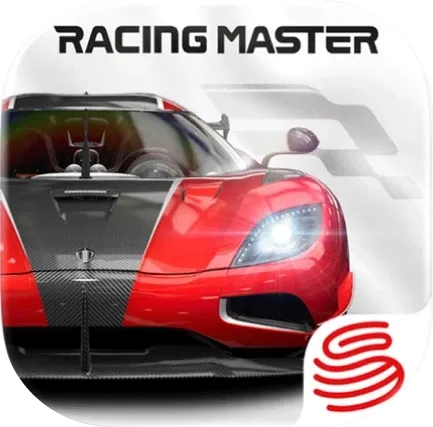
Racing Master (SEA) is a popular racing game whose items and gems can be topped up affordably at DITOPUP, with a fast process and direct delivery to the player ID on the matching server.
Available options include the Novice Pack, 70 Gems + 4 Bonus, Value Outfit Pack, Weekly Card, and up to 140 Gems + 7 Bonus, each available for Server 1, Server 7, and Server 11. These packages can be used to speed up racing career progress, unlock vehicle collections, or complete cosmetic items.
Purchasing at DITOPUP is done by selecting the variant that matches the server in use, then entering the player ID in the provided field. Once the destination details are confirmed correct, payment can be completed via DITOPUP balance, QRIS, e-wallet, or virtual account. Paid orders are processed automatically by the system, and transaction receipts are neatly stored in order history.
Before paying, make sure the player ID and server are correct, as processed orders cannot be cancelled. Item usage is subject to the terms in effect within the game. If an order fails to process, funds are automatically returned to your balance. If you run into any issues, DITOPUP customer service is ready to help through the available support channels.
Racing Master (SEA) Guide
What the terms in the plan options mean
Your own account / via email
The plan is activated on your own account. Have your account email (and sometimes password or login code) ready when you place your order.
Buyer Reviews
No reviews yet. Reviews can only be submitted by buyers after an order is completed.
How to Top Up Racing Master (SEA)
Select amountChoose the package you need.
Fill in the detailsEnter the correct target ID/number.
Pay with balanceTop up your balance via QRIS, e-wallet, or bank transfer.
DoneOrders are processed automatically, check the status in your account.




 DITOPUP




