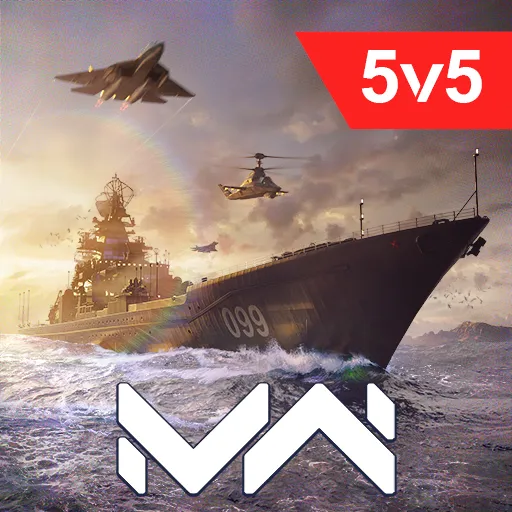
Modern Warships: Naval Battles is a naval combat game that puts players in command of modern warships complete with missiles, cannons, and fighter jets. To speed up fleet progression, DITOPUP's cheap Modern Warships: Naval Battles top up service provides Dollar balances, supply packs, and even Premium subscriptions with automatic processing once payment is confirmed.
The package options are quite varied, ranging from Starting Dollar Safe (Special) for an initial balance boost, Advanced Supply Kit (Special) and Anti-Sub Guard Bundle (Special) containing combat equipment, to 500000 Dollars (Special) for buyers who want to add a large reserve of funds. A Premium Account 7 Days is also available for Server 1 and Server 7, as well as the Captain's Type 053H Package (Special) containing a ship along with its bonuses.
Buying is easy. Choose the variant you need, enter your player ID and target server if required, then complete payment via DITOPUP balance, QRIS, e-wallet, or virtual account. Orders are processed automatically by the system, and transaction receipts are neatly stored in your order history so they can be checked again at any time.
Before paying, make sure the player ID and server are correct because processed orders cannot be canceled. Package usage is subject to the game publisher's official terms, and the store acts as an independent seller not affiliated with any brand owner. If an order fails to process, funds are refunded automatically; other issues can be reported to DITOPUP customer service.
Modern Warships Guide: Naval Battles
What the terms in the plan options mean
Your own account / via email
The plan is activated on your own account. Have your account email (and sometimes password or login code) ready when you place your order.
Buyer Reviews
No reviews yet. Reviews can only be submitted by buyers after an order is completed.
How to Top Up Modern Warships: Naval Battles
Select amountChoose the package you need.
Fill in the detailsEnter the correct target ID/number.
Pay with balanceTop up your balance via QRIS, e-wallet, or bank transfer.
DoneOrders are processed automatically, check the status in your account.




 DITOPUP




