


Garena Undawn (SG)
Select Amount
Order Details
Select an amount first.
Payment Methods
About Garena Undawn (SG)
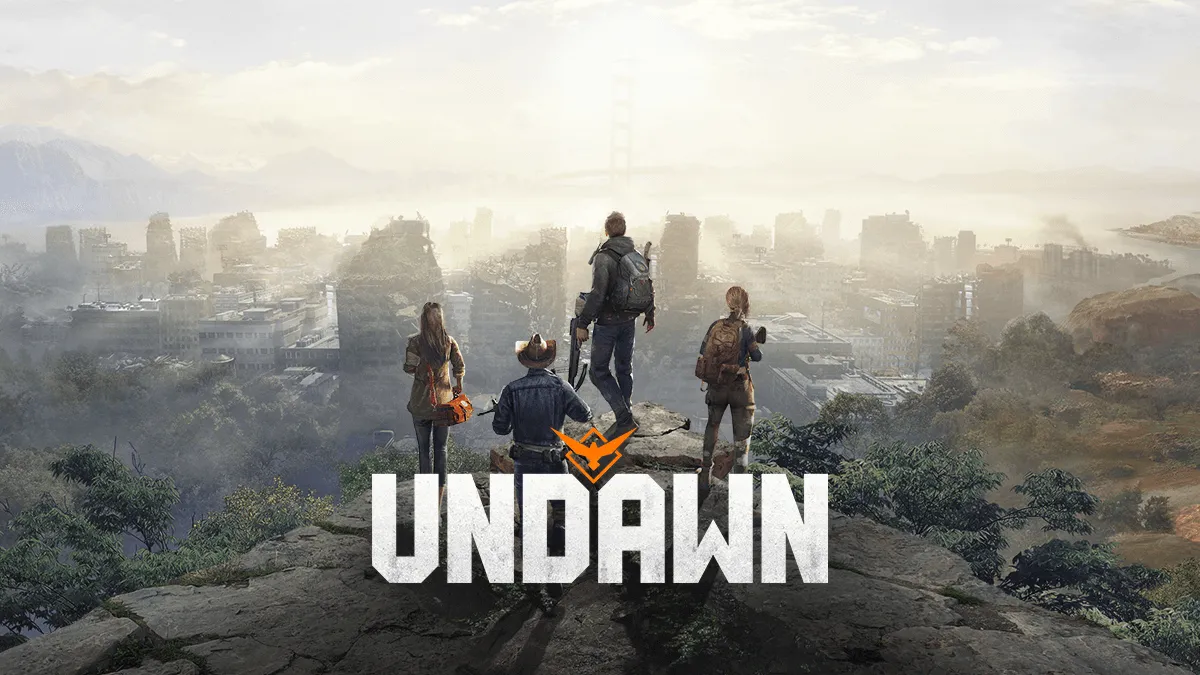
Topping up Garena Undawn (SG) cheaply on DITOPUP is a practical way to get Resource Credits (RC) for all your needs in this open-world survival game. RC can be used to unlock items, bundles, subscription cards, and even the battle pass. The balance is delivered directly to the player ID along with the registered server, so the process is fast and orders are automatically recorded in your transaction history.
There is a fairly wide range of denominations available, from 148 RC, 208 RC, 298 RC, 445 RC, up to 1040 RC. There are also Weekly Card, Monthly Card, Growth Fund, Battle Pass Premium, and Glory Pass Premium S9 as additional packages. All variants on this page are listed for Server 7. Buyers can choose according to their needs, whether for routine purchases or chasing game progress.
Buying on DITOPUP is quite simple. Choose the denomination variant or package you need, enter the destination player ID and server carefully, then proceed with payment via DITOPUP balance, QRIS, e-wallet, or virtual account. Once payment is confirmed, the order is processed automatically and the transaction receipt is saved in your order history. The fast process means the balance arrives right away without any complicated extra steps.
Important note before paying: make sure the player ID and server are correct because processed orders cannot be canceled. Check the account name and the selected denomination, and keep the transaction receipt. If an order fails due to a system issue, the funds are refunded automatically in accordance with the applicable terms. DITOPUP customer service is ready to help if you run into any issues.
Buyer Reviews
No reviews yet. Reviews can only be submitted by buyers after an order is completed.
How to Top Up Garena Undawn (SG)
- Select amountChoose the package you need.
- Fill in the detailsEnter the correct target ID/number.
- Pay with balanceTop up your balance via QRIS, e-wallet, or bank transfer.
- DoneOrders are processed automatically, check the status in your account.

 DITOPUP




