


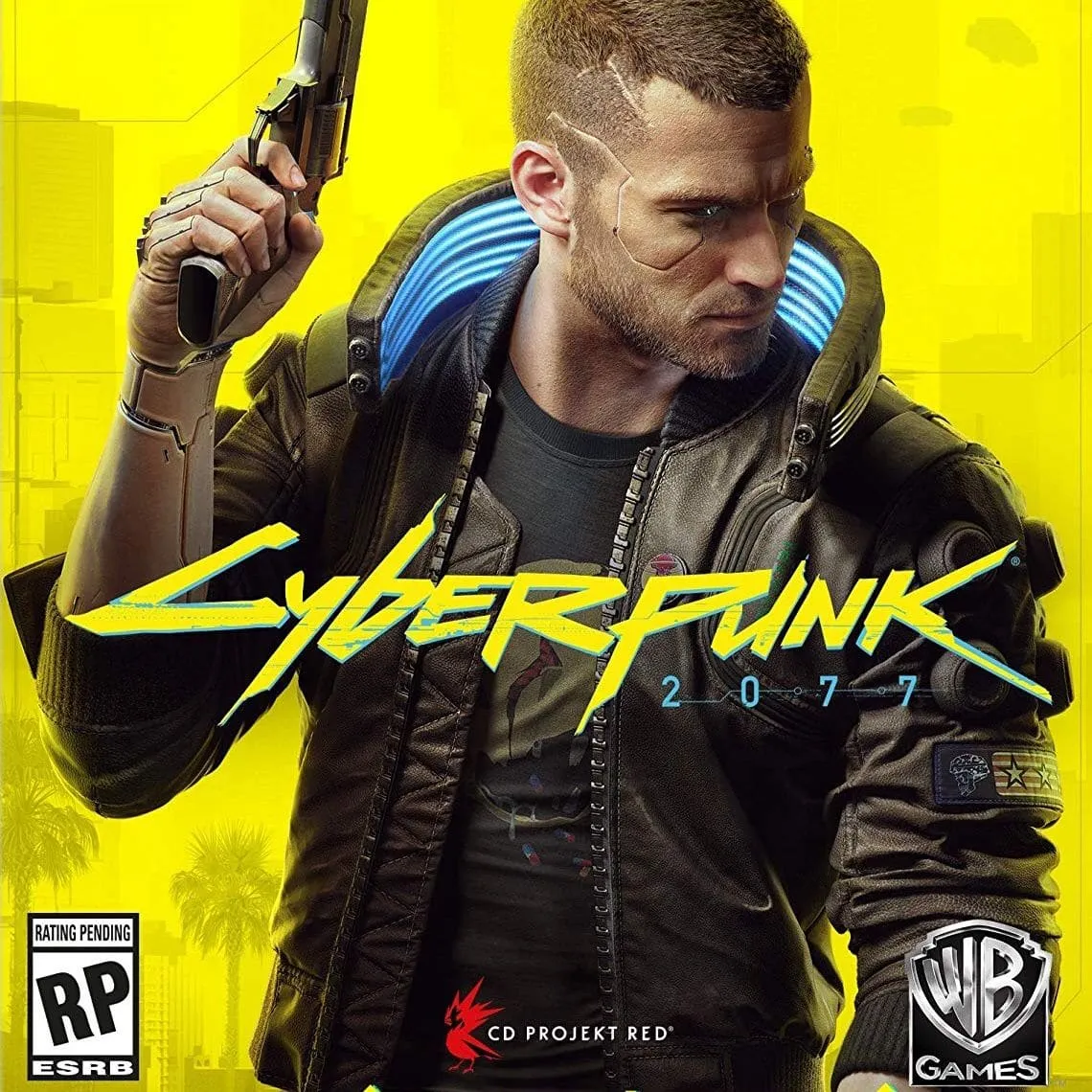
Cyberpunk 2077
Select Amount
Order Details
Select an amount first.
Payment Methods
About Cyberpunk 2077
Cyberpunk 2077 is an action role-playing game with a vast open world and branching storyline. Purchasing Cyberpunk 2077 cheaply on DITOPUP is processed automatically, so orders are completed quickly and ready to play.
Some of the available variant options include Cyberpunk (Epic Games) (Server 1) and Cyberpunk (GOG) (Server 1). Both options represent different digital distribution platforms, and each is separated by server so that product delivery reaches the right target. Buyers can choose one of the variants according to the platform of the account they own.
Purchasing on DITOPUP is fairly simple. First, choose the desired product variant. Second, enter the destination details completely and correctly, such as the account ID or email address connected to the relevant platform. Third, complete payment via DITOPUP balance, QRIS, e-wallet, or virtual account. Once payment is successful, the order is processed automatically by the system and the transaction receipt is neatly saved in order history.
Before paying, double-check that the destination details are correct so the product is not sent to the wrong account. Product usage follows the terms applicable on each platform. If an order fails to process, funds are refunded automatically in accordance with store policy. If there are still any issues, DITOPUP customer service is ready to help.
Buyer Reviews
No reviews yet. Reviews can only be submitted by buyers after an order is completed.
How to Top Up Cyberpunk 2077
- Select amountChoose the package you need.
- Fill in the detailsEnter the correct target ID/number.
- Pay with balanceTop up your balance via QRIS, e-wallet, or bank transfer.
- DoneOrders are processed automatically, check the status in your account.

 DITOPUP




