


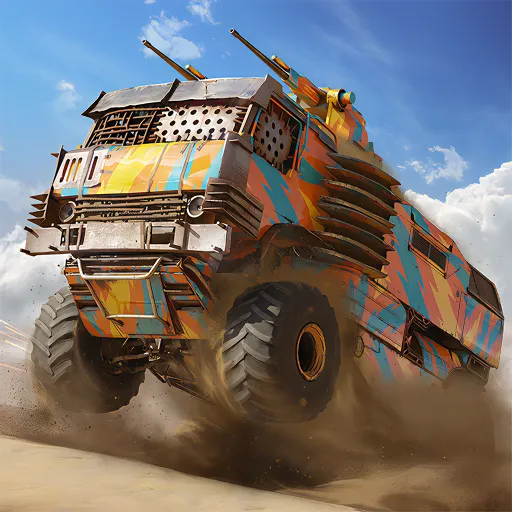
Crossout Mobile
Select Amount
Order Details
Select an amount first.
Payment Methods
About Crossout Mobile
Top up Crossout Mobile cheaply with an automated process to fill up shards and unlock your favorite combat vehicle packs. Crossout Mobile delivers thrilling battles with custom-built vehicles, and every shard and pack you earn paves the way to assembling a stronger fleet. Through DITOPUP, purchasing shards or packs is done with a streamlined flow, no convoluted steps, and the results go straight into the player's account.
A range of denomination and pack options are available to suit your needs, from A few shards (Server 7), A fistful of shards (Server 7), A bunch of shards (Server 7), A pile of shards (Server 7), to packs such as Aberration pack (Server 7) and Destroyer pack (Server 7). For buyers looking to collect in larger quantities, A mountain of shards (Server 7) and An abundance of shards (Server 7) are available. Each variant has different contents, so buyers simply choose the one that best matches their assembly target.
Buying at DITOPUP is fairly simple. Choose the desired shards variant or pack, fill in the destination data with your player ID and the server you use, then proceed with payment via balance, QRIS, e-wallet, or virtual account. Once payment is confirmed, the order is processed automatically by the system and the transaction receipt is neatly stored in your order history. This fast process means purchases can be made at any time without waiting long.
A few important notes should be kept in mind before completing payment. Make sure the player ID and server entered are correct, because incorrect destination data can prevent the order from being sent to the intended account. Double-check the selected variant to match your needs, and save the transaction receipt for reference. If the order fails to process, the funds are refunded automatically. For other issues, DITOPUP customer service is ready to help resolve them.
Buyer Reviews
No reviews yet. Reviews can only be submitted by buyers after an order is completed.
How to Top Up Crossout Mobile
- Select amountChoose the package you need.
- Fill in the detailsEnter the correct target ID/number.
- Pay with balanceTop up your balance via QRIS, e-wallet, or bank transfer.
- DoneOrders are processed automatically, check the status in your account.

 DITOPUP




